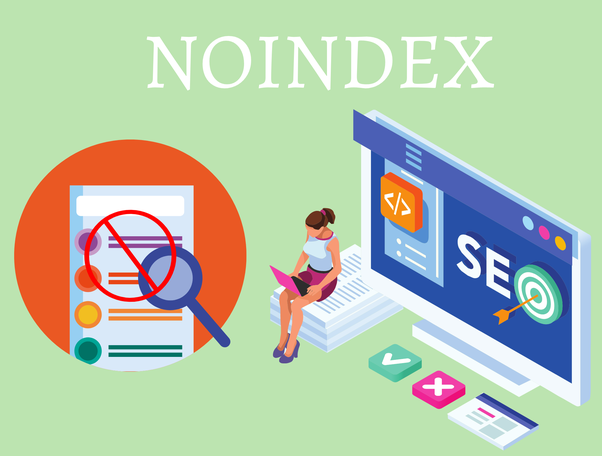
If you have ever examined Google Search Console and come across the warning that reads “Excluded by ‘noindex’ tag,” you may experience a number of emotions, including perplexity and concern. What’s wrong with your website? Does the indexing of pages not work properly? Do you see a change in your ranks here?
Not to worry, you are not the only one going through this; in many instances, this message is actually a positive indicator. What exactly is going on here?
What Does “Excluded by Noindex Tag” Mean?
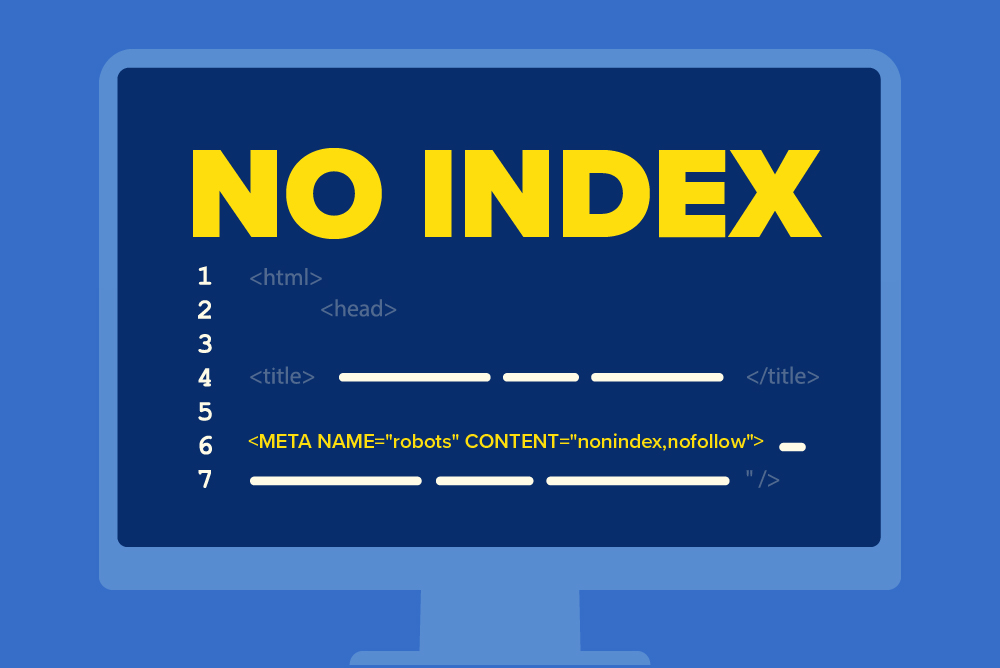
The notice “Excluded by ‘noindex’ tag” merely indicates that Google detected the page, crawled it, but encountered a directive in the website’s code that told it not to include it in search results in the first place. Typically, this is customised by utilising a tag within the HTML code, or by utilising an HTTP header.
By observing this tag, Google complies with the guideline and does not index the URL; this is the reason why the message is displayed.
Why Certain URLs Are Excluded
It is not intended for all of the pages on your website to be indexed. It is a reality that certain items should not be indexed because:
- They don’t add SEO value
- They create duplicate content
- They exist for functionality, not visibility
There are several examples, including:
- /feed/
- /category/feed/
- /tag/feed/
- /comments/feed/
These URLs are typically omitted by default using noindex through the use of an SEO plugin such as Yoast, Rank Math, or All in One SEO: if you are operating a WordPress website, the content management system (CMS) will automatically create them for you.
Why You Shouldn’t Worry (In Most Cases)
For example, if you see that feed-related URLs such as /feed/ are marked as Excluded by noindex tag, this is a good hint. What it signifies is:
- Your SEO plugin is working correctly
- Google is not wasting indexing budget on low-value or duplicate pages
- Only the most relevant content (service pages, blog posts, etc.) will be shown in search results
Instead of penalising these pages, Google just follows the instructions that you provide.
How to Check Which Pages Are Being Affected
Here is how you can determine whether or not this exclusion is affecting your search engine optimisation:
Step 1: Open Google Search Console
- Navigate to the Pages tab under Indexing
- Filter by the status: “Excluded by ‘noindex’ tag”
Step 2: Review the URLs
Are the excluded pages like:
- /feed/
- /category/feed/
- /comments/feed/
If yes, you’re in the clear!
But if you see important pages like:
- /study-in-uk
- /ielts-coaching-in-coimbatore
- /contact
…then you’ve got a problem that needs fixing.
How to Fix Unintended Noindex Issues
Take the following actions if you see that important pages are being excluded by the noindex tag:
1. Check SEO Plugin Settings
- In Yoast SEO:
- Go to the page/post → Scroll to the Yoast SEO meta box
- Under Advanced, set “Allow search engines to show this Page in search results?” to “Yes”
- Go to the page/post → Scroll to the Yoast SEO meta box
- In Rank Math:
- Edit the page → Go to Advanced tab → Ensure “Robots Meta” does not have noindex checked
- Edit the page → Go to Advanced tab → Ensure “Robots Meta” does not have noindex checked
2. Check Your Theme’s Code
Some WordPress themes might hardcode a noindex tag in the header.php file. Ask your developer to check if that’s the case.
3. Inspect robots.txt
Make sure you’re not disallowing important paths like this:
Disallow: /study-in-uk/
If you find such lines for key pages, remove them.
Are RSS Feeds Supposed to Be Indexed?
The answer is not yes.
This is what RSS feeds like /feed/ are intended for:
- Blog aggregators
- Email subscription tools
- Internal automation (e.g., Zapier)
They contain duplicate versions of your blog content in a structured XML format — not human-friendly, and not helpful for SEO.
So excluding these via the noindex tag is not only normal, it’s best practice.
A Quick Do/Don’t Checklist
| ✅ Safe to Noindex | ❌ Should Not Be Noindexed |
| /feed/, /category/feed/ | /study-in-uk/ |
| /comments/feed/ | /ielts-coaching-in-coimbatore/ |
| /tag/feed/ | /about, /contact |
| Internal search (?s=query) | Core service pages |
Should You Remove the Noindex Tag?
Only if the wrong pages are excluded. Otherwise:
- Let your RSS/feed pages stay noindexed
- Keep category/tag pages noindexed unless they have unique, valuable content
- Focus on indexing high-value pages
Final Thoughts
Even though it may appear to be a problem when you see “Excluded by noindex tag” in your Search Console, it is actually an indication that your SEO hygiene is in good shape the majority of the time. For the purpose of optimising the visibility of your website, crawl efficiency, and content quality, it is essential to have a solid understanding of which sites Google should and should not index.
Your search engine optimisation strategy can be controlled, your crawl budget can be preserved, and search engines will only find the pages that are the most useful if you utilise this tag wisely.